3D QR DESIGNER
Create custom 3D printable QR codes with text and images.
Perfect for business cards, signage, and creative projects.
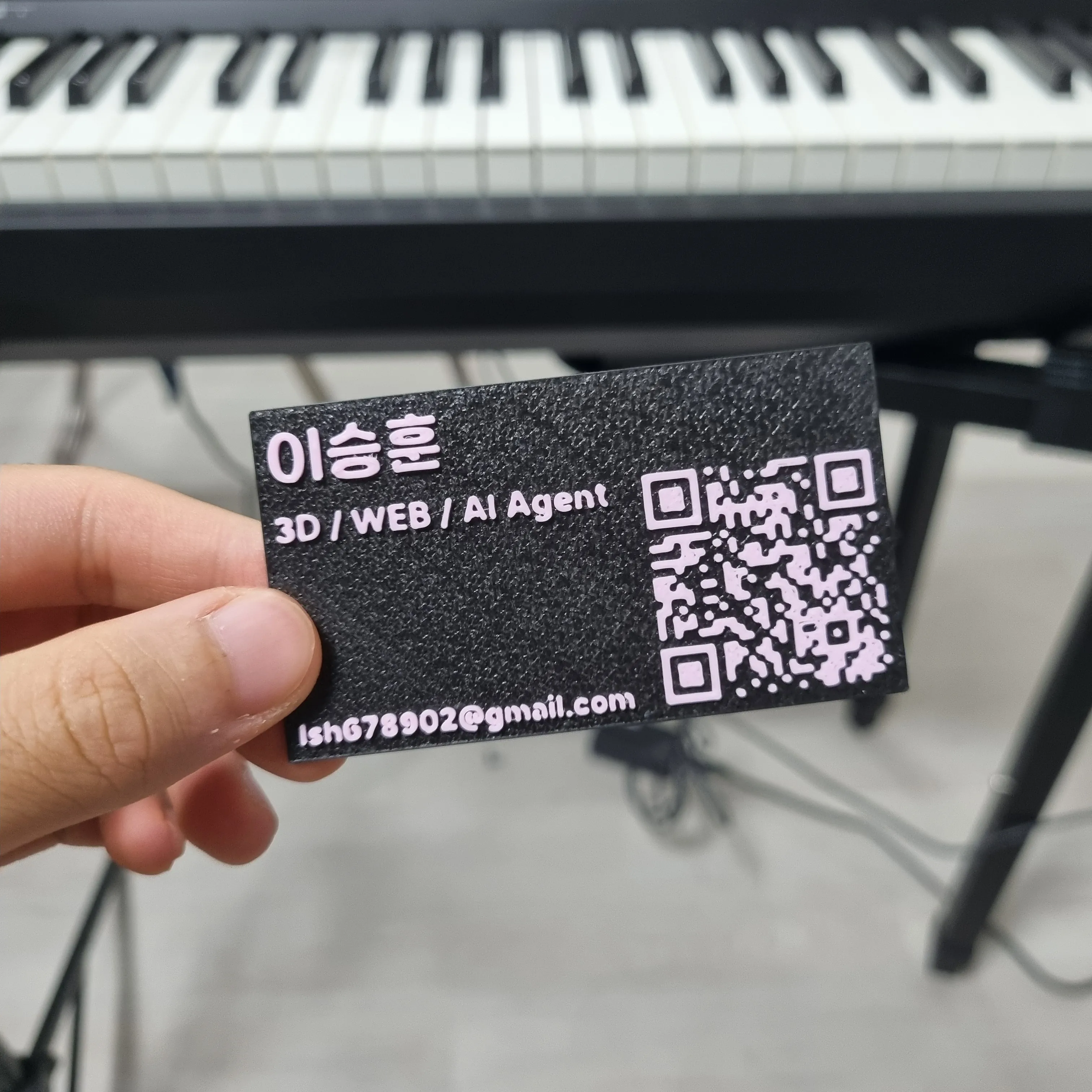
3D Printed Business Card
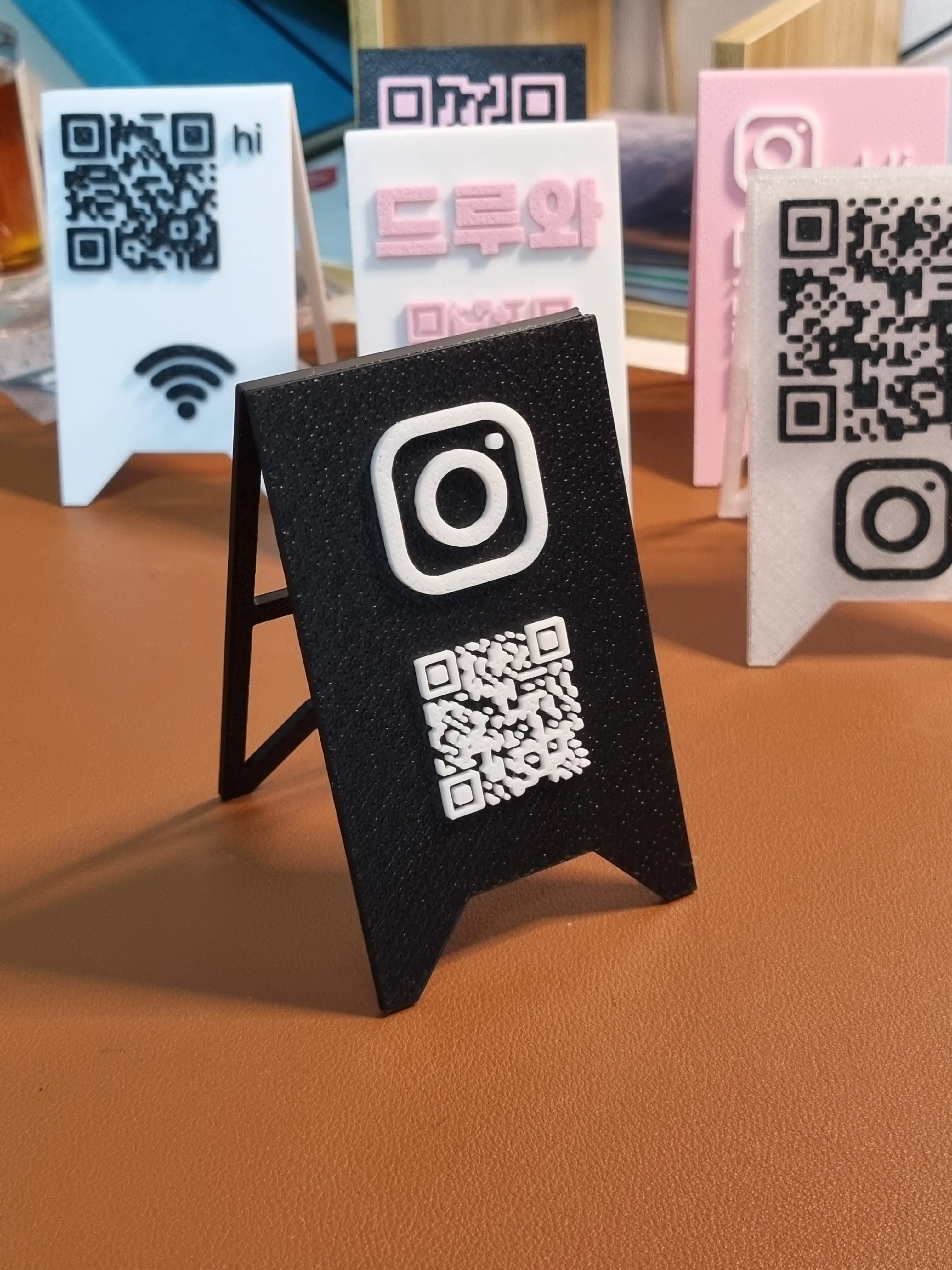
Custom QR Plates
How to Make a 3D QR Code
Follow these steps to create your 3D printed QR code
1. Create Your Design
Use our editor to design your QR code with custom text and images. Adjust size, colors, and positioning. When ready, click the download button to export your design.
2. Slice and Print
Import the OBJ file directly into your slicer (e.g., Bambu Studio, PrusaSlicer, Cura). Configure your print settings and start printing your 3D QR code!
Patternflow
An open-source LED audiovisual synthesizer
My next project: an LED synthesizer you play with physical knobs and buttons.
About
3D QR Designer is a free, browser-based tool that turns QR codes into 3D-printable models. It is built and operated by Lee Seunghun as an independent, open-source project. Everything runs on your device, so what you type never leaves your browser.